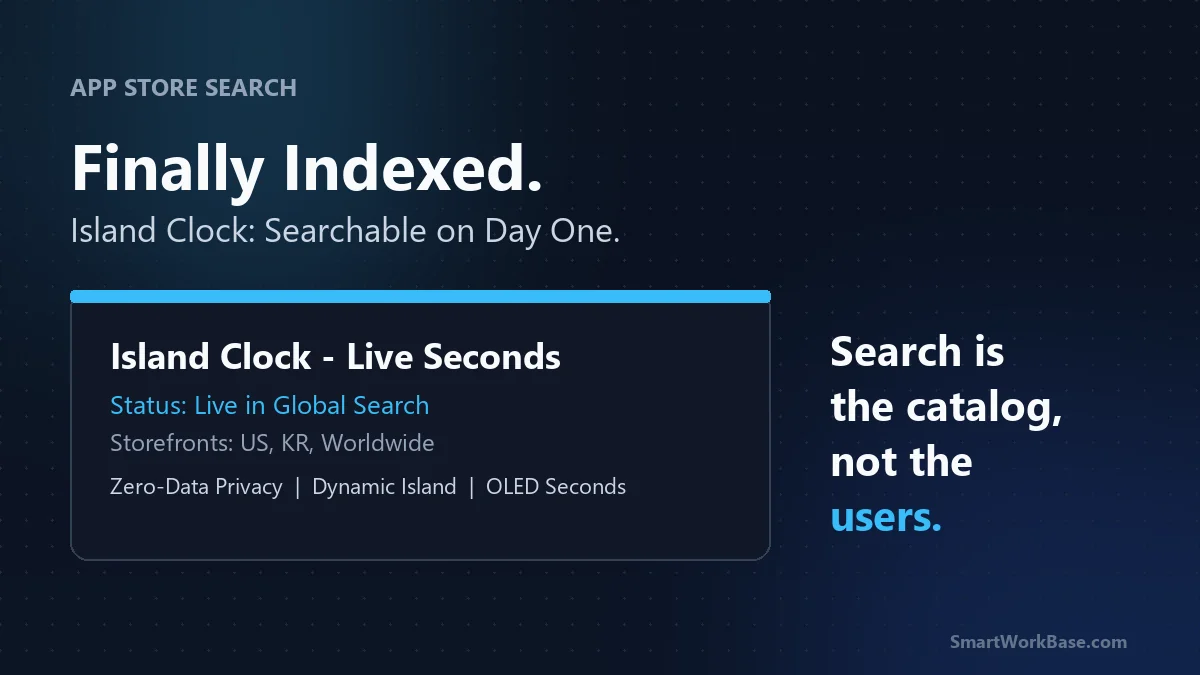
I opened the App Store this morning, typed “Island Clock” into the search bar, and pressed return.
For the first time in five days, it did not return a blank screen or competitor listings. There was my black-and-orange icon, sitting right below the search field. Next to it sat my name, INKEUN KANG, with the “GET” button waiting.
A quiet relief. Then, nothing.
The indexing delay is over
In my previous post, I wrote about the awkward limbo of being approved while remaining invisible in search. The direct link worked immediately, but typing the title into the storefront showed nothing.
That waiting game is over. If you search for it right now on the App Store, the listing resolves cleanly on both iOS 16 and iOS 17 devices.
Why did it take days? Apple’s search indexing pipeline operates on a different cadence than the status badge in App Store Connect. Your build gets approved and pushed to edge content delivery networks first. Keyword tokenization, regional storefront syncing, and category cataloging happen in batch queues behind the scenes.
You cannot rush that queue. You just wait.
The zero-download reality
When you build an app using AI agent workflows as an operations lead, as I did in my Zero-Swift spec guide, development feels fast. Features that used to require months of Cocoa engineering fall into place over several evenings.
That speed creates an illusion. You begin to believe that because building went quickly, traction will arrive quickly too.
It does not. App Store search is a vast sea. Appearing in search simply means Apple gave you an index slot in a catalog with millions of entries.
On Day One, nobody is refreshing the search page waiting for your utility. Organic downloads do not materialize out of thin air just because an algorithm indexed your title. Building is cheap now, but attention remains expensive.
What I adjusted the moment it showed up
Once I verified the app was live in search results across both KR and US storefronts, I resisted the urge to push a speculative code update. Instead, I did three mundane audits on the live storefront listing:
First, I checked how the title rendered on an actual iPhone screen. On desktop, long subtitles look tidy. On a 6.1-inch device, anything past 24 characters gets truncated with an ellipsis. I made sure “Live Seconds” remained visible before the fold.
Second, I checked the contrast of the first screenshot. When your app sits in a search grid between two competitors with thousands of ratings, your primary screenshot is your entire pitch. If a user cannot tell within two seconds that the clock sits directly in the Dynamic Island without draining battery, they scroll past.
Third, I confirmed that the Zero-Data privacy nutrition label showed up as promised: zero tracking, zero personal diagnostics collected. For a focused utility, privacy is your single cleanest competitive edge.
✅ The Day-One App Store Search Checklist (open me)
- Test search across two separate regions. Ensure your primary keyword queries pull up the card on both your domestic and US storefront accounts.
- Audit screenshot readability at 50% screen brightness. If your dark-mode UI looks like a muddy grey box in search preview, adjust contrast in your next asset bundle.
- Verify your App Privacy badge. Confirm that “Data Not Collected” appears cleanly under the product specifications section.
- Check the first 3 lines of your description. Make sure the specific problem solved is visible before the user has to tap “…more”.
- Resist immediate code patching. Let the first build settle for at least 72 hours to gather unpolluted crash logs before touching the binary.
Number five is the hardest discipline. The temptation to tweak code while staring at a quiet dashboard is immense. Don’t touch it.
Where this journey heads next
Six weeks ago, I had zero Swift code on my workstation. Today, a native Dynamic Island utility built with AI agents is searchable worldwide on the App Store.
I am glad I built it. The engineering lessons around iOS Live Activities and battery constraints were worth every late night. But shipping is not the finish line; it is simply the moment the feedback loop turns honest.
If you have an iPhone with a Dynamic Island and want a clean, ad-free digital second counter that sips battery, check out Island Clock on the App Store. I will share raw adoption numbers and crash rates once the first week of real-world analytics rolls in.
Frequently Asked Questions
How long does Apple take to index an approved app in search?
While direct product page links activate almost immediately upon approval, keyword search indexing typically takes anywhere from 24 to 72 hours depending on regional storefront caching and queue volume.
Does getting indexed in search automatically trigger downloads?
No. Search visibility simply places your app in the catalog. Without external distribution, active word of mouth, or niche keyword optimization, initial organic impressions remain modest.
What is the most effective change to make on launch day?
Audit your primary screenshot and subtitle directly on a physical phone. Ensure your single core differentiator is legible within two seconds of glancing at the search results card.