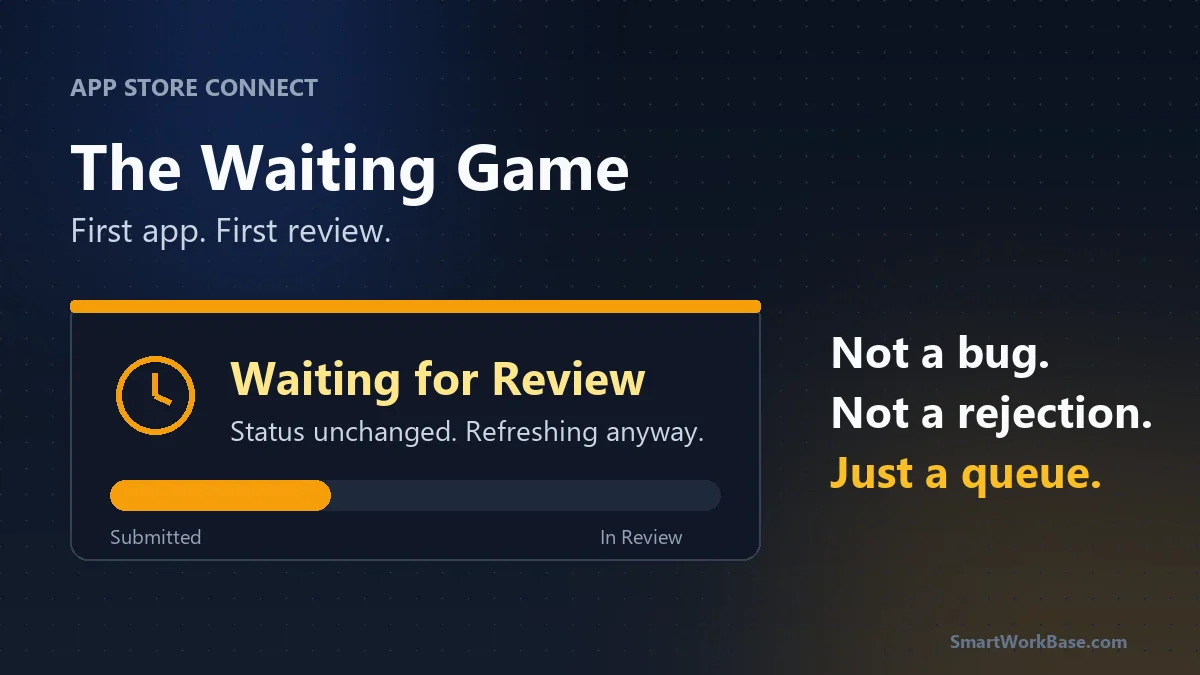
If your first App Store review feels slow, it is almost always the queue. Not a bug, not a rejection, and not something you did wrong.
I know that because I am in it right now. And I am still refreshing the page.
Why does it feel so long?
Because I have never done this before. There is no past review to compare against, so every hour feels like a verdict.
I built this app with AI agents, as I wrote in the Zero-Swift spec post. Building was loud. Something broke, I fixed it, repeat.
Waiting is the opposite. Nothing happens, and I can do nothing about it.
Honestly, that silence is harder than the 8-hour bug.
What Apple actually says
I stopped guessing and read Apple’s own App Review page.
It says review runs around the clock. It typically reviews at least 50% of submissions in under 24 hours, and 90% in under 48 hours. You get an email when the status changes.
Those are typical numbers, not a promise. A first submission can take longer, and I cannot tell you by how much. I only know what Apple wrote.
The statuses, in plain words
| Status you see | What it means for you |
|---|---|
| Waiting for Review | You are in line. Nobody has opened your app yet. |
| In Review | A reviewer is testing it now. This part is usually short. |
| Rejected or Metadata Rejected | They found a problem. Apple tells you which one. |
| Ready for Distribution | Approved and live (or waiting for you to release it). |
So “Waiting for Review” is the calmest status on that list. It means nobody has said no.
What I do while I wait
My rule is simple. I do not touch the build, and I do not touch the listing.
I am not sure whether cancelling and resubmitting would put me back at the end of the line. I have not tested it, so I leave it alone. If you know for sure, I would like to hear it.
✅ My waiting-room checklist (open me)
- Turn on notifications in App Store Connect, and check that Apple’s emails are not landing in spam.
- Look once a day, not once an hour. The status does not move faster when you stare at it.
- Reread your own review notes. Is the demo login still valid? Can a reviewer reach every screen?
- Reread the guidelines for anything your app does with payments, privacy, or accounts.
- Plan the first fix. If you get a rejection, which message would you answer first?
Number three is the one I trust most. Most rejections I have read about come down to a reviewer being unable to get past a login screen or find a feature. That is a boring mistake, and a fixable one.
If it does get rejected
I will write about it, either way. A rejection is not a failure. It is a list of things to fix, written by the people who decide.
My plan is to read the message twice, fix only what it names, and reply politely. I will report back here on how that goes, good or bad.
For now: the status still says Waiting for Review. I just refreshed it again.
Frequently Asked Questions
How long does App Store review usually take?
Apple’s App Review page says it typically reviews at least 50% of submissions in under 24 hours and 90% in under 48 hours. Those are typical figures, not guarantees, and a first submission or a busy period can take longer.
Does “Waiting for Review” mean something is wrong?
No. It means your app is in line and no reviewer has opened it yet. A problem would show up as a message from Apple, not as a quiet status.
What should I do if the wait feels far too long?
Check Apple’s current guidance in App Store Connect Help first. If your submission is clearly outside the typical range, Apple offers a way to contact App Review through your developer account. Avoid changing the build while you wait unless you have to.