If you read part 2, you know I ended on a bug I could not explain. Here is how it got explained.
The short version: my code was doing something slightly rude, and a security tool on my PC made it expensive.
The symptom, exactly
Leave the editor open for a long time while working in other apps. Come back, activate the window, and drag a PDF onto it.
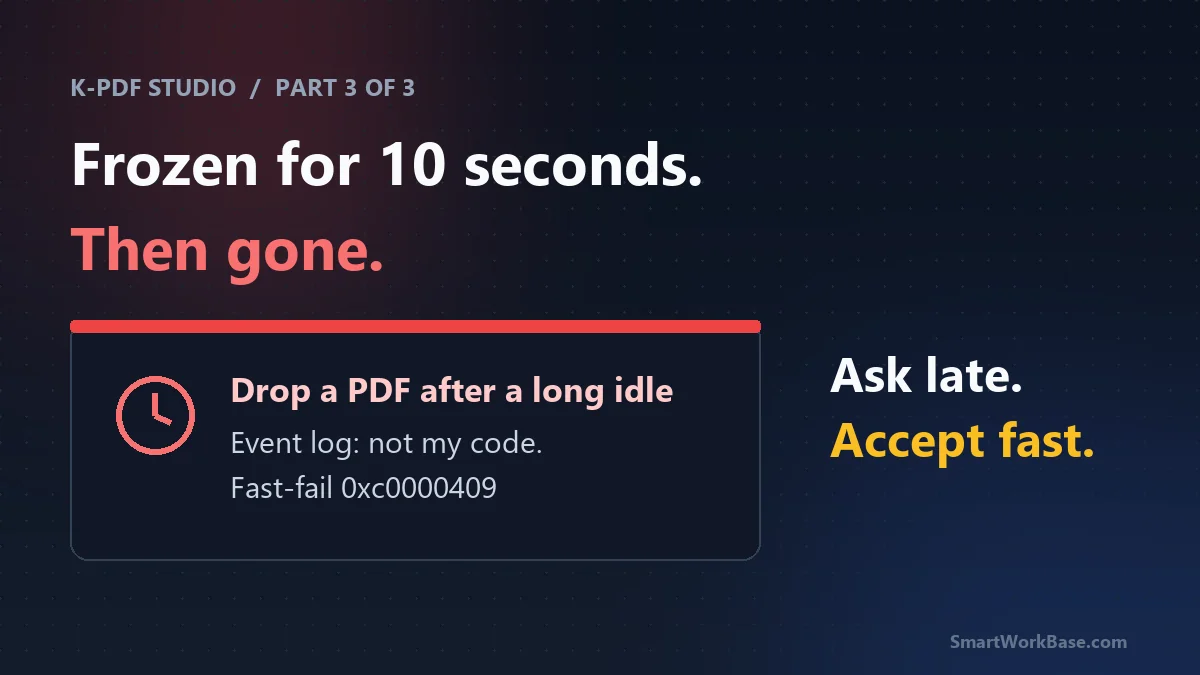
The window freezes. About ten seconds later it disappears, with no message. Start it again and drag the same file straight in, and it opens fine.
A bug that needs hours of idle time to appear is a miserable thing to debug. You cannot just run it again. I stopped guessing at my own PDF code and went to the Windows Event Viewer instead.
What the event log said
The crash entry named the Qt core library and a fast-fail code, 0xc0000409. That code means the process was terminated on purpose, not that it wandered into a bad memory address.
The interesting part was the second entry. At the same moment, explorer.exe had logged errors from a module belonging to a document-security agent that is installed on my PC. That kind of agent injects itself into most running programs and watches how they handle files and shell actions.
So two things failed together: my editor, and the file manager I was dragging from. Both were talking to the same security layer.
My best explanation
I should say plainly that this is my reading of the evidence. I cannot see inside the security product.
When something is dragged over a window, my code asked for the list of file paths right away. That request goes through a Windows data-transfer mechanism, and it needs a reply from the program the file is coming from. With the security agent in the middle and its connection stale from the long idle, the reply never came.
Windows waits about ten seconds for that reply. Then the app was shut down. That matches the freeze and the quiet exit.
The fix: ask late, accept fast
I made four changes.
First, while the file is only hovering, I now ask a cheap question: is this a file at all? I do not ask which files.
Second, I handle the hover-move event too, so the drop target stays calm while the mouse moves. Third, on the drop itself I accept immediately, which lets Windows release the other side. Fourth, the real file opening happens a split second later in a separate step with its own error handling.
I also added a tiny timer that ticks every 30 seconds. Its only job is to keep the app’s message loop awake, so it never looks stale to the security layer after a long idle. I cannot prove that last one helps. It costs nothing, so I kept it.
✅ Drag-and-drop hardening checklist (open me)
- On drag enter, check the type only. Do not read the file list yet.
- Also handle drag move. Keep accepting the action while the mouse moves.
- On drop, accept first. Do the slow work after.
- Open files on a short timer, inside a try block, so one bad file cannot take the window down.
- Test after a long idle, not only after a fresh start.
Number five is the one I used to skip. A fresh start hides this whole class of bug.
Side note: who can use this app?
Since I wrote about building it, I should say where it can go. I use it on my own PC and for internal work documents. For that, nothing is owed to anyone.
If you ever want to package it and sell it to other people, the two libraries underneath it have their own terms. PyQt6 is GPL v3 and PyMuPDF is AGPL v3, and selling a packaged version would mean buying commercial licenses or opening your source. I am not a lawyer, so read the license pages yourself before you do.
What this project taught me
Three things. Build the small tool for the five things you actually do. Be suspicious when a bug only appears after waiting. And when the code looks innocent, look at what else is running on the machine.
The editor does the five things I need, and nothing else.
There is another project that is still waiting on someone else’s decision. My iPhone app is sitting in a review queue. I will write about how that ends.
Frequently Asked Questions
What does the crash code 0xc0000409 mean?
It is a fast-fail exit. The program or the runtime decided it could not continue safely and ended the process immediately. Look at what else is logged at the same time, since the trigger is often outside your own code.
Why would reading dropped file paths freeze an app?
Asking for the file list can require a round trip to the program the files come from. If something in between is slow or stale, your UI thread waits. Accepting the drop first and doing the work afterward keeps the window responsive.
Where do I look first for a bug that only happens after a long idle?
Start with the Windows Event Viewer around the exact crash time. Look for entries from other programs that fail at the same moment, such as the file manager or security software, then test again after leaving the app idle.