In part 1 I wrote about the part everyone asks about: editing Korean text inside a PDF. It was hard, but it was the kind of hard I expected.
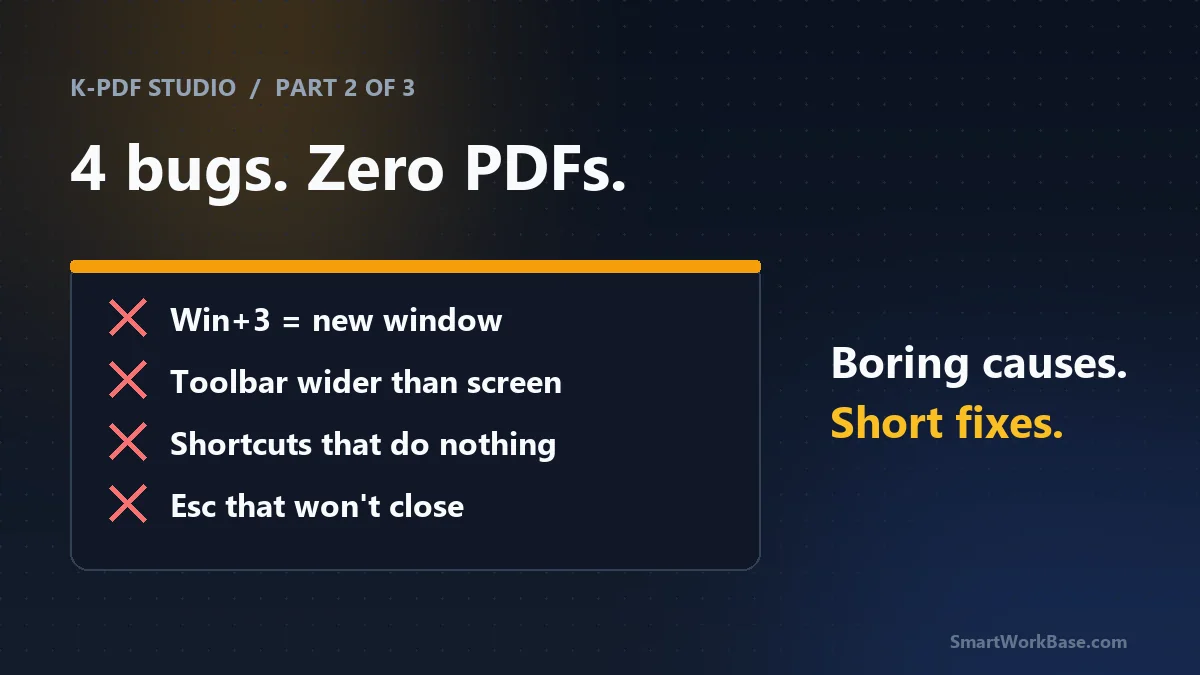
What I did not expect was losing days to the window around the PDF. The taskbar, the toolbar, the keyboard. Here are the four that hurt the most.
Bug 1: Win+3 opened a new window every time
I pinned the app to my Windows taskbar. Then I pressed Win+3 to jump to it, the way I do with every other app.
A brand new copy opened. I pressed it again. Another copy. The pin never lit up as running, and the icon on the taskbar looked like a separate, unrelated app.
The cause was one line I had added on purpose. In main() I told Windows to give the process a custom app identity, because many tutorials say that gives you a proper taskbar icon. But the pinned shortcut launches through pythonw.exe and carries a different identity. Windows saw two strangers: a pinned app that was not running, and a running window that belonged to nobody.
The fix was to delete the line. Now the pin and the window share one identity, the pin lights up, and Win+3 brings the existing window forward instead of spawning another.
Bug 2: A toolbar wider than my monitor
When I maximized the window on my 1920-pixel screen, the right end of the toolbar was cut off. The theme selector was half gone.
I shrank buttons and padding for an hour. Nothing helped, because the buttons were never the problem.
The window refused to be narrower than 2,008 pixels. I traced it to a stacked widget, the kind that holds several screens and shows one. It reports the size of its largest page, even the hidden ones. My hidden Organize Pages screen has a wide toolbar that needs 1,478 pixels, and that number leaked into the whole window.
The fix was a small subclass that reports the size of the visible page only. After that I also pinned the side panels to fixed widths, so the center viewer takes all the leftover space.
Bug 3: Shortcuts that silently did nothing
I added a proper menu bar. Right after that, Ctrl+O stopped working on the empty welcome screen. Ctrl+S and Ctrl+Z went flaky too.
There was no error. That is what made it nasty.
The old code registered those shortcuts one way, and my new menu actions registered the same keys another way. Qt calls this an ambiguous shortcut. When two things claim the same key, it does not pick one. It fires neither.
So I gave every shortcut exactly one owner: the menu actions, set to work anywhere in the window. Ctrl+O, Ctrl+N and Ctrl+J now work no matter where the focus is.
Bug 4: The Esc key that would not close a screen
Organize Pages is a full-screen grid of page thumbnails. Esc should close it and take you back to the document.
It did not. Sometimes it did, sometimes not, depending on what I had clicked last. A slider, the list, a header button, each of them swallowed the key in its own way.
I had also given Esc to the view-mode action, and that action quietly won every time. Patching each widget was a losing game. So I installed one filter on the whole application that sees Esc before anything else does. Now it closes the screen from anywhere.
That filter had a side effect. F3 was my old Find Next key, and I wanted F3 for the thumbnail panel. Find Next moved to Ctrl+G.
✅ My 5 questions when a desktop app misbehaves (open me)
- Did I add something “helpful” recently? Bug 1 was a line I wrote on purpose.
- Is the number I am staring at the real cause? My window was 2,008 wide because of a hidden page, not the visible buttons.
- Is the same thing defined in two places? Two owners for one shortcut means nobody owns it.
- Does it fail only on some screens or after some clicks? That points to focus, not logic.
- Can I fix it once, high up, instead of in ten widgets?
Question one is the one I skip most often, and it is usually the answer.
One more bug I could not explain
There is a fifth bug, and it is the one I still think about.
I would leave the editor open for hours while I worked on something else. Then I would come back, drag a PDF onto the window, and nothing would happen. The app would freeze for what felt like ten seconds, and then it would vanish.
No error box. No crash report. Just a desktop.
If I restarted it and dragged the same file in straight away, it worked perfectly. Whatever was wrong only showed up after the app sat idle. I had a suspect, and it was not my PDF code. It was something installed on my own PC.
Frequently Asked Questions
Why does my pinned app open a new window instead of switching to the running one?
Windows groups windows by an app identity. If the pinned shortcut and the running process carry different identities, Windows treats them as two apps. Check whether your code sets a custom app identity that the shortcut does not share.
What is an ambiguous shortcut in Qt?
It happens when two actions in the same scope use the same key sequence. Qt does not choose between them, so neither one runs. The fix is to keep a single owner for each key.
Why is my Qt window wider than I expect?
A stacked widget reports the size hint of its largest page, including pages you cannot see. If one hidden page is wide, the whole window inherits that minimum. A subclass that reports only the current page solves it.