🔄 Last updated: August 23, 2026
⚡ Key Takeaways
Managing an overflowing email inbox is one of the biggest productivity drains for modern professionals. Finding the best AI email assistants for Gmail allows knowledge workers to reclaim hours of lost time every week while maintaining flawless communication.
According to productivity benchmarks by Harvard Business Review, the average corporate worker spends over 2.8 hours per day reading and answering emails. In this guide, we review the top 5 AI email tools designed to help you achieve and maintain Inbox Zero effortlessly in 2026.
The 3-Step AI Email Management Workflow
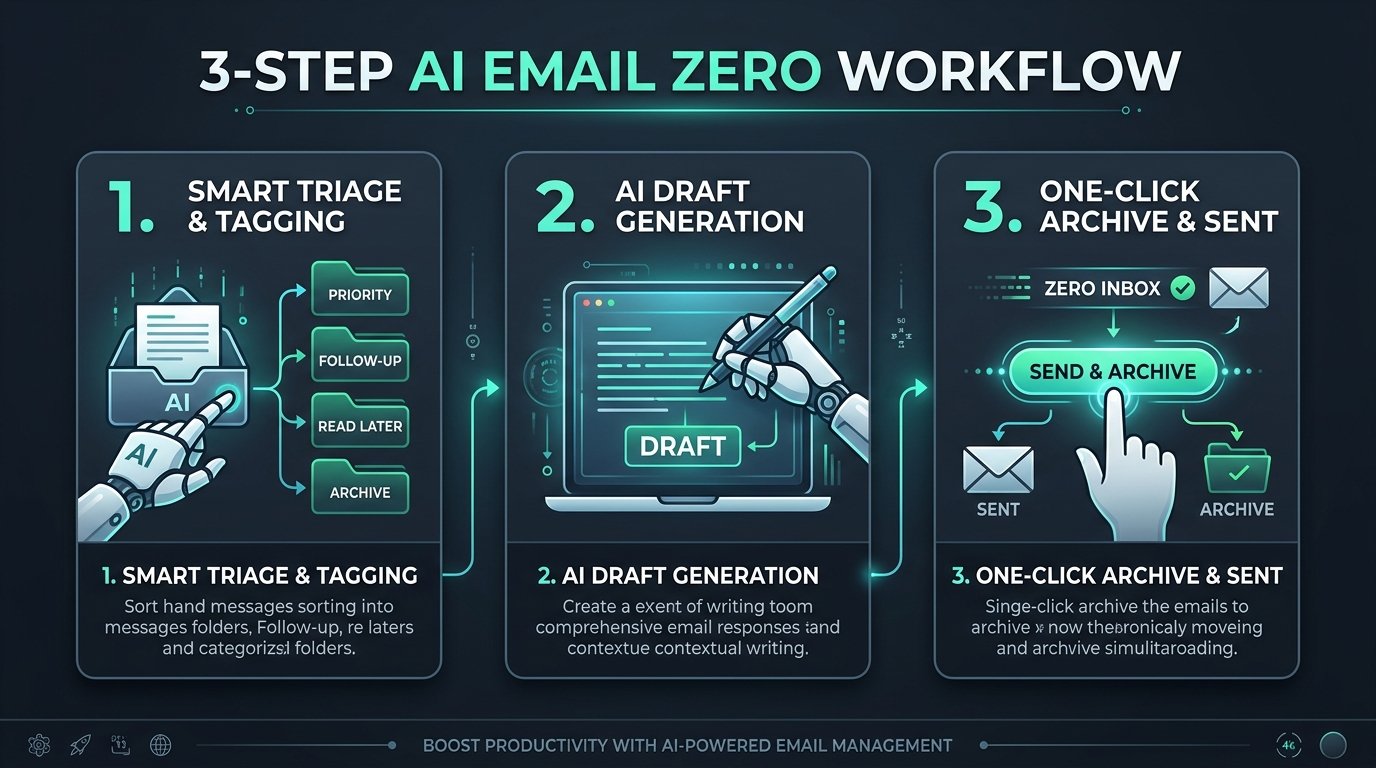
Figure 1: Automated 3-step triage and response workflow powered by email AI agents.
- Smart Triage & Filtering: AI algorithms filter newsletters, promotional updates, and spam into dedicated folders, leaving only priority messages.
- Contextual AI Draft Generation: Generative AI analyzes conversation history to draft custom, tone-appropriate responses.
- One-Click Archive & Scheduling: Execute fast keyboard shortcuts or automated rules to clear out your inbox in minutes.
💡 Pro-Tip: Integrating Email Automation into Broader Workflows
Email management is just one layer of your tech stack. Explore our complete guide on 7 Best AI Tools for Daily Workflow Automation in 2026 to automate your entire business operation.
Interactive Prompt Template: Executive Context-Aware Email Triage & Draft Prompt
[INSERT INCOMING EMAIL]
Perform two actions:
1. Triage Priority: Rate 1-5 (Urgent/Important) and explain why in 1 sentence.
2. Draft Reply: Write a concise, professional 3-sentence reply that acknowledges the request, confirms timeline by [DATE], and politely requests the missing attachment.
💡 Click “Copy Prompt” and paste directly into your favorite AI tool.
🛠️ Click to Expand: 5-Minute Gmail Inbox Zero Setup Checklist
✅ Step 1: Enable SaneBox or Shortwave to split your inbox into ‘Daily Triage’ vs ‘Newsletters’.
✅ Step 2: Create Gmail keyboard shortcuts (`e` for archive, `r` for AI reply draft).
✅ Step 3: Set up automated VIP sender filters for executive and high-value client emails.
✅ Step 4: Use Superhuman AI / Copilot to generate 1-click bulleted replies.
✅ Step 5: Schedule batch email processing at 11:30 AM and 4:30 PM to protect deep work focus.
Top 5 AI Email Assistants Reviewed
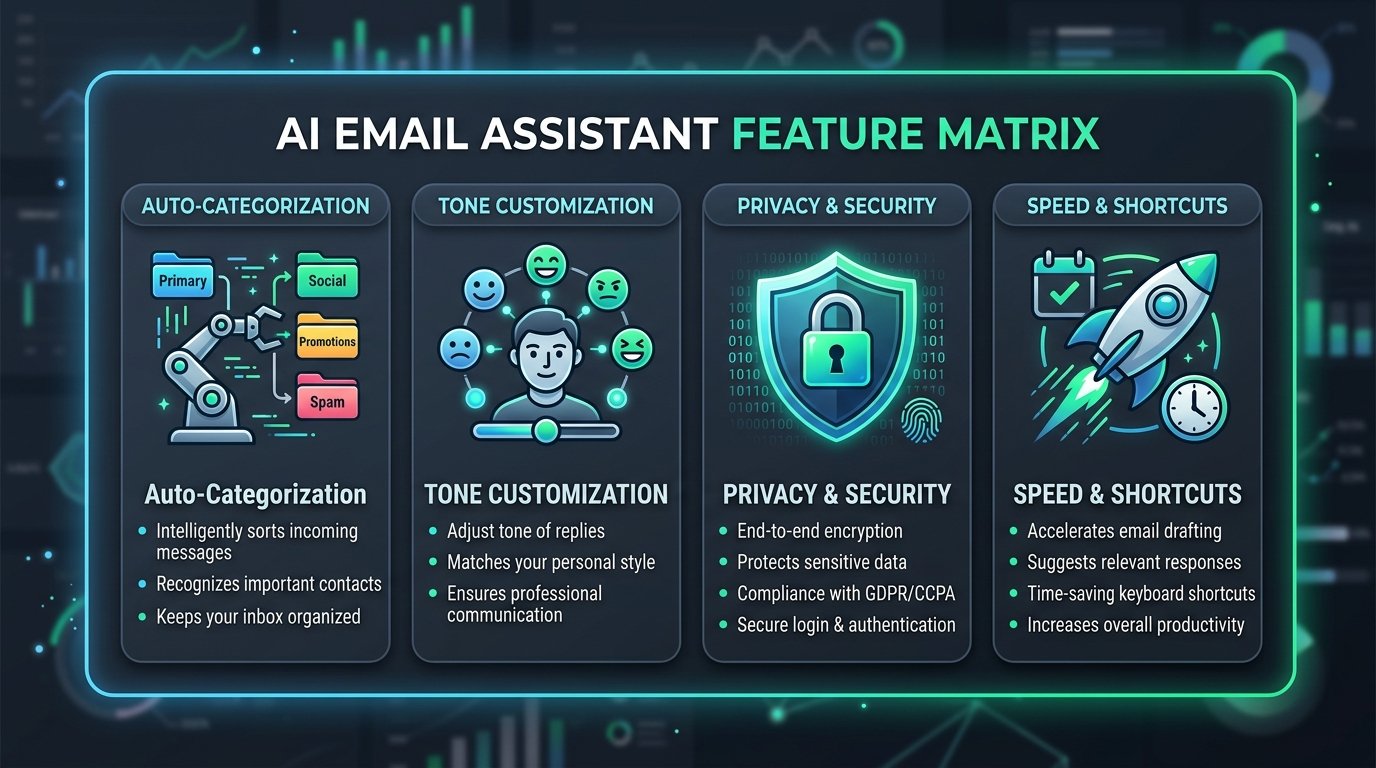
Figure 2: Feature evaluation matrix for top Gmail AI extensions and native clients.
1. Superhuman AI
⭐ Best for Blazing Speed & Power Users: Superhuman AI enables instantaneous draft synthesis, automated follow-up reminders, and split inbox triage with lightning-fast keyboard shortcuts.
2. SaneBox
🚀 Best for Background Filtering: SaneBox uses unobtrusive background AI to organize incoming email without needing direct access to your private message content.
3. Shortwave
🧠 Best for Thread Summarization & Search: Powered by OpenAI models, Shortwave transforms Gmail into a modern workspace with thread summaries and natural language search.
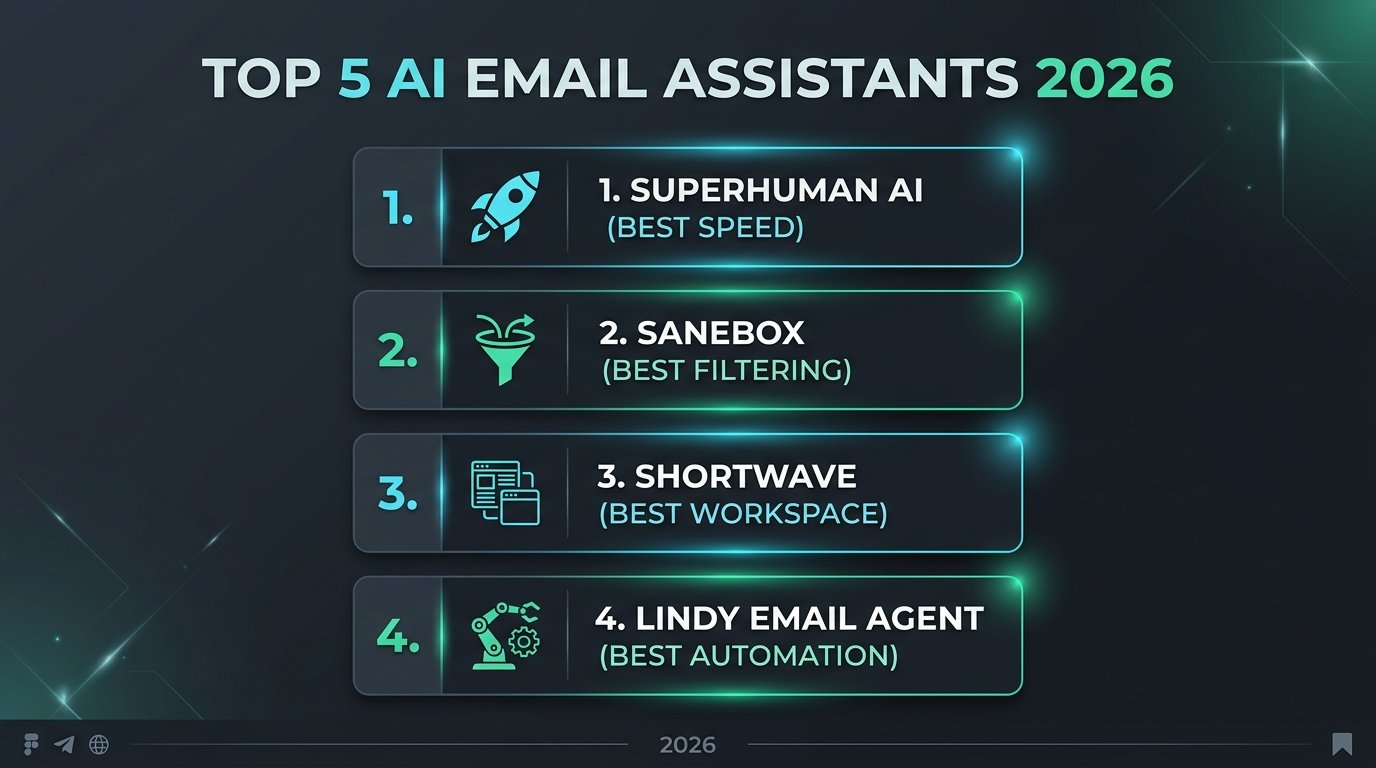
Figure 3: Summary cards for leading 2026 email AI assistants.
💡 Pro-Tip: Documenting Email Prompts and Templates
Organize your customized AI email prompts in a central knowledge system. See our in-depth comparison on Notion AI vs ChatGPT for Note-Taking to manage your templates.
Frequently Asked Questions (FAQ)
Q1: Are AI email assistants safe for sensitive company data?
Enterprise AI email assistants follow strict SOC2 Type II compliance and zero data retention policies to protect user privacy.
Q2: Can I combine email AI with visual infographics?
Yes! You can attach AI-generated visual cards directly to client emails. Check out our guide on How to Create Viral Infographics with AI for details.
I Automated My Entire Work Schedule with AI (5 Best Smart Calendars)
Now that your inbox is under control, let AI schedule and defend your deep work focus blocks automatically.