🔄 Last updated: August 23, 2026
If you are currently paying $10/month for Notion AI and $20/month for ChatGPT Plus, you’ve probably wondered: “Do I really need both, or am I just wasting money?”
I spent 30 days migrating 500+ chaotic project notes, meeting memos, and half-baked ideas through both tools. Here is what actually happened when I stopped reading marketing landing pages and tested them in real daily work: Notion AI is the organized digital filing cabinet of your dreams, while ChatGPT is the hyper-smart brainstorming partner that doesn’t care where your files live.
When it comes to building an AI-powered “Second Brain,” two giants dominate the conversation: Notion AI and OpenAI’s ChatGPT. While both leverage cutting-edge language models, their design philosophies are fundamentally different.
⚡ Key Takeaways (TL;DR)
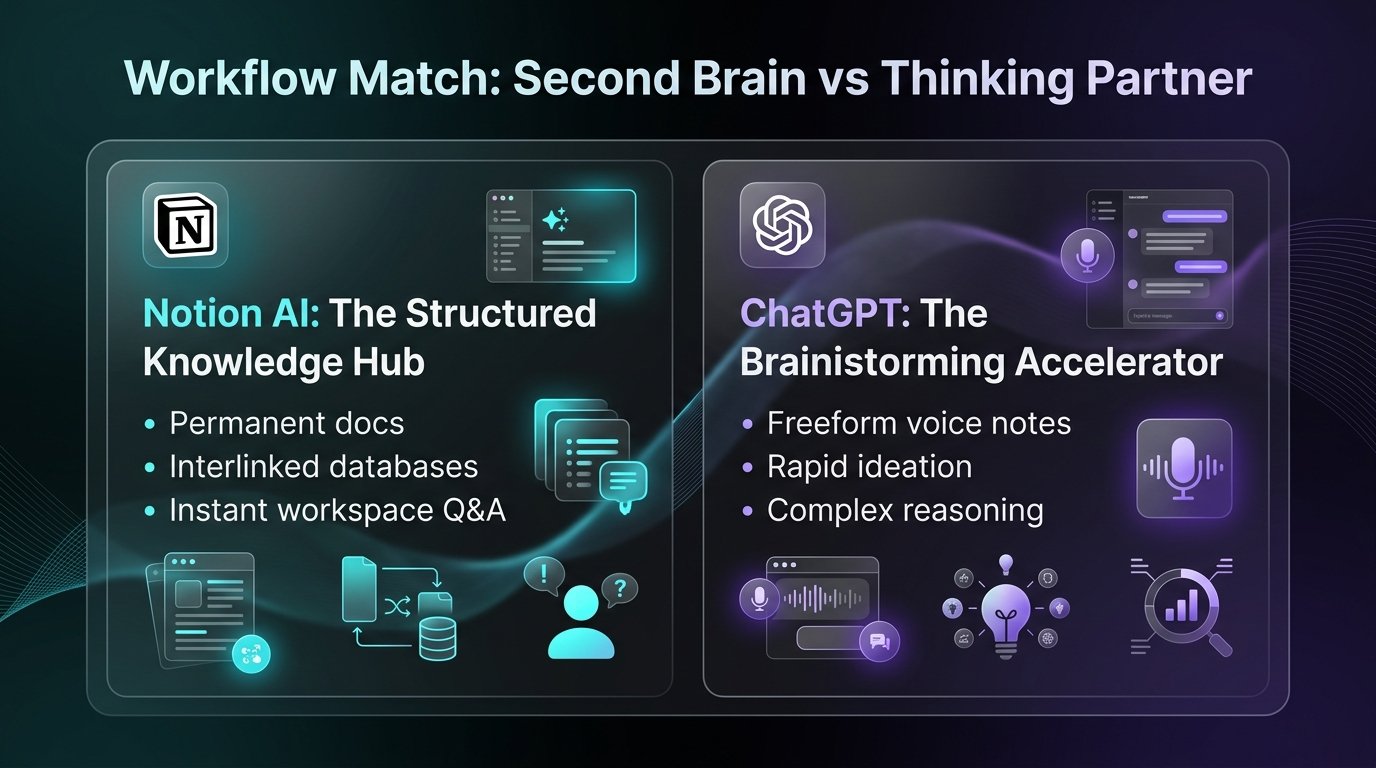
- Choose Notion AI if: You need an all-in-one structured knowledge hub, interlinked databases, team wikis, and instant Q&A across hundreds of existing documents.
- Choose ChatGPT if: You need dynamic conversational brainstorming, complex multi-step reasoning, voice-to-text memos, and rapid creative drafts.
- The Power-User Verdict: Use ChatGPT for ideation and divergent thinking, then export and structure the results inside Notion AI for retrieval and execution.
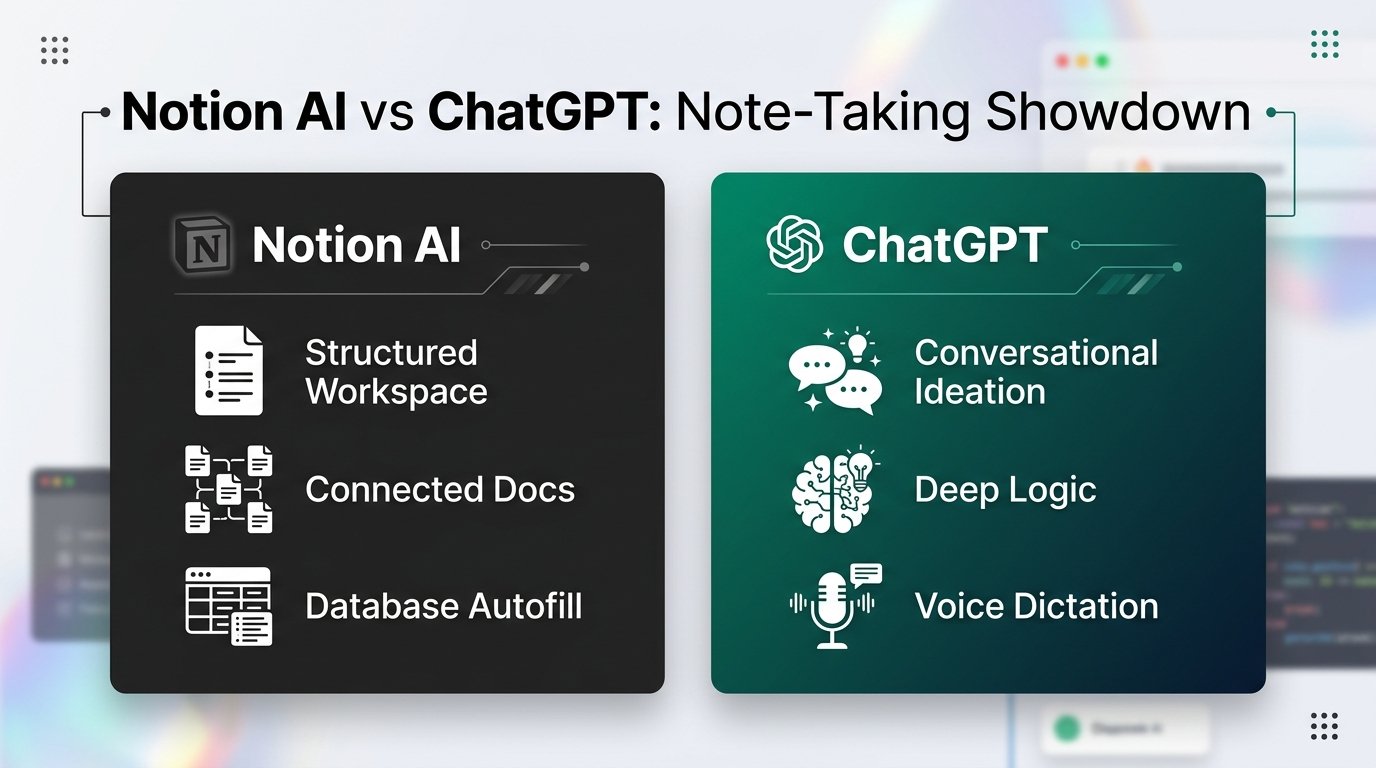
Core Philosophy: Structured Second Brain vs Dynamic Thinking Partner
To choose the right tool, you must first understand what problem each tool was engineered to solve.
🏛️ Notion AI (Knowledge Hub)
Lives inside your pages and relational databases. It indexes your entire private workspace history, connecting project notes and updating properties automatically.
💡 ChatGPT (Reasoning Engine)
An adaptive intelligence engine that excels at breaking down complex logic, challenging assumptions, and organizing messy brain dumps into clear outlines.
Interactive Prompt Template: Executive Meeting & Document Auto-Structuring Prompt
[INSERT RAW NOTES HERE]
Format the output into:
1. Executive Summary (Max 3 bullet points)
2. Critical Decisions Made (with stakeholder names)
3. Action Items & Hard Deadlines (Table: Owner | Task | Deadline | Priority)
4. Unresolved Risks / Next Steps
💡 Click “Copy Prompt” and paste directly into your favorite AI tool.
🛠️ Click to Expand: 5-Minute Smart Note-Taking Workspace Checklist
✅ Step 1: Choose your core engine: Notion AI for workspace wikis vs ChatGPT for rapid conversational outlining.
✅ Step 2: Configure automatic database property autofill for tags, assignees, and status.
✅ Step 3: Set up a dedicated ‘Quick Capture’ inbox page on mobile for instant voice/text memos.
✅ Step 4: Run weekly AI rollup summaries across all project notes to spot blockers.
✅ Step 5: Enable 2-factor authentication for sensitive corporate meeting repositories.
Where Notion AI Excels: The Ultimate Structured Workspace
1. Universal Search & Workspace Q&A
The single greatest superpower of Notion AI is treating your entire workspace as a vector database. Ask: “What were the three main takeaways from our Q2 marketing retrospective?” and Notion AI synthesizes the answer with direct citation links to source documents.
2. Database Autofill & Smart Properties
Maintain project trackers or reading lists effortlessly. Notion AI can automatically generate summaries, assign tags, or extract action items across hundreds of database rows simultaneously.
3. Frictionless In-Line Writing
Highlight any block of text to adjust tone, translate languages, simplify technical jargon, or generate comparison tables directly in place.
Where ChatGPT Excels: Deep Reasoning & Voice Ideation
1. Advanced Multi-Step Reasoning
Powered by OpenAI o1, o3, and GPT-4o, ChatGPT delivers noticeably deeper analytical logic, mathematical breakdowns, and nuanced debate compared to standard workspace assistants.
2. Advanced Voice Mode for Hands-Free Capture
Speak your thoughts aloud while driving or walking. ChatGPT’s conversational voice mode listens, responds naturally, and synthesizes unstructured speech into crystal-clear bullet points.
3. Custom GPTs for Tailored Workflows
Create custom assistants pre-loaded with your favorite frameworks, reading rubrics, or copywriting guidelines.
Head-to-Head Feature Comparison
| Feature | Notion AI | ChatGPT (Plus/Team) | Winner |
|---|---|---|---|
| Long-term Organization | Nested pages, tags, relational databases | Linear chat history & project folders | 🏆 Notion AI |
| Workspace-Wide Search | Queries all private & team documents | Limited to current session or uploads | 🏆 Notion AI |
| Reasoning & Ideation | Standard summarization & editing | Deep reasoning, math, coding, logic | 🏆 ChatGPT |
| Voice Input & Audio | Basic dictation integration | Advanced real-time conversational voice mode | 🏆 ChatGPT |
| Monthly Cost | $8–$10 / user/mo (Add-on) | Free / $20 / mo (Plus) | ⚖️ Tie |
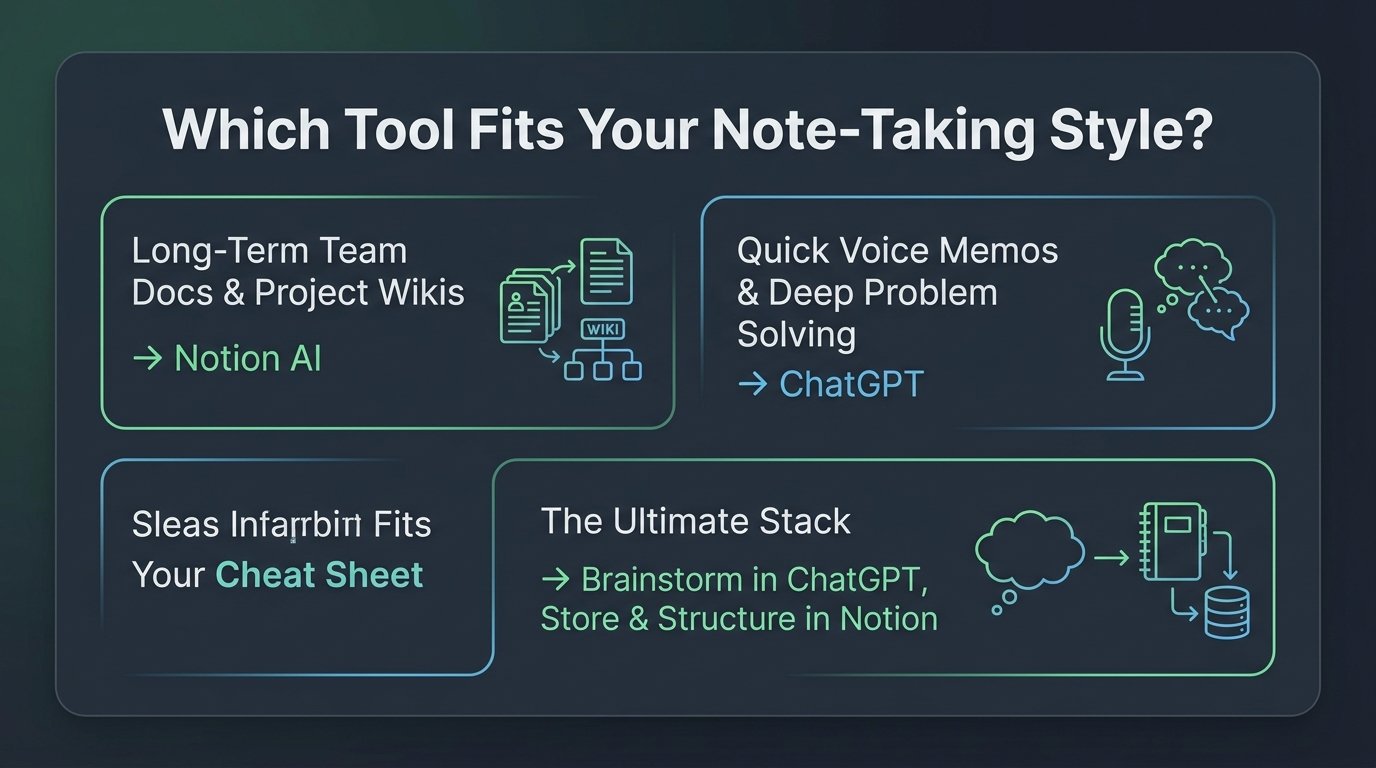
🚀 The Ultimate Hybrid Workflow
The most productive knowledge workers don’t pick one—they use a seamless 2-step synergy:
- Brainstorm & Synthesize with ChatGPT: Use ChatGPT on mobile or desktop to dictate meeting notes, debate ideas, or extract key themes from complex PDFs.
- Store & Execute inside Notion AI: Paste the polished takeaways into Notion, where it connects to your project roadmaps, team task lists, and automated databases.
🔗 Want to automate the bridge between your notes and your calendar? Read our full breakdown of the 7 Best AI Tools for Daily Workflow Automation.
Stop Typing Meeting Notes! 5 Best AI Meeting Notetakers in 2026
Pair your smart notes with real-time AI transcription tools like Fireflies and Otter to capture every word automatically.
Frequently Asked Questions (FAQ)
❓ Can Notion AI replace my ChatGPT Plus subscription?
If your primary use cases are document editing, summarizing notes, and drafting emails inside your workspace, yes. However, if you rely heavily on coding, deep multi-step mathematical reasoning, or Advanced Voice Mode, ChatGPT Plus offers superior standalone intelligence.
❓ Is Notion AI free with standard Notion plans?
Notion offers a limited trial of AI responses for free accounts. Full unlimited access to Notion AI features requires an add-on subscription of $8 per user/month (billed annually) or $10 per user/month (billed monthly).
❓ Does Notion AI or OpenAI use my private notes for training?
Both Notion and OpenAI state that data from paid business accounts is encrypted and never used to train public foundation models without explicit organizational permission.