Here’s the brutal truth about AI prompts in 2026: if a prompt takes longer to type and edit than doing the work by hand, it’s a toy. Stop using it.
Most productivity gurus tell you to ask chatbots to “act as an executive coach” or “brainstorm 10 strategic goals for today.” Don’t do that. When I ran my two-week audit tracking every minute spent talking to AI, I found that open-ended prompts chewed up 25 minutes of peak morning energy. The return? Generic corporate platitudes that an intern could produce in their sleep.
Real morning work can’t tolerate vagueness. It demands speed, rigid boundary constraints, and zero conversational filler. Out of dozens of routines tested at my desk, only three have survived.
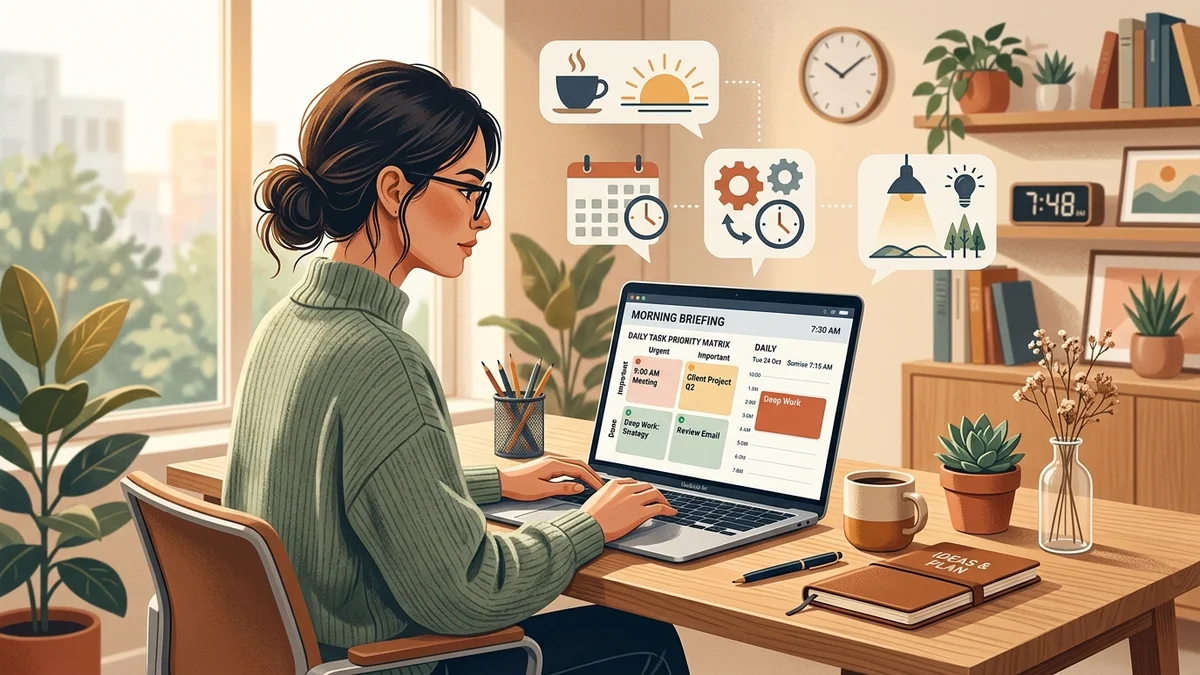
The 3 prompts that survived the cut
1. The 90-Second Calendar & Context Audit
Most people glance at their calendar, see four meetings, and assume it’s a manageable day. That’s a mistake. What blindsides you aren’t the meetings themselves, but the invisible friction points between them: back-to-back cross-functional calls with zero breathing room, missing slide decks, or unconfirmed attendee lists.
Every morning at 7:40 AM, I copy the raw text export of my day’s schedule and paste it into Claude with this exact negative-constraint prompt:
1. Hard Collisions: Meetings with less than 10 minutes buffer or overlapping end/start times.
2. Missing Inputs: Meetings where an agenda, deck, or active link is absent from the invitation.
3. Deep Work Window: The single largest uninterrupted block of time between 9 AM and 5 PM, stated in exact hours and minutes.
[PASTE TODAY’S RAW SCHEDULE]”
In three seconds flat, I know the truth. Either I have a legitimate 90-minute deep work pocket, or my day is already shredded into 20-minute fragments. Most days, it’s shredded. But now I know before I open Slack.
2. The Overnight Email Triage Condenser
Reading 35 unread overnight emails line by line induces instant decision fatigue. But letting AI draft replies is equally dangerous, as I learned the hard way when I stopped letting AI write supplier emails. AI drafts add polite filler that obscures real deadlines.
Instead, I select all overnight emails from suppliers, stakeholders, and logistics partners, copy the raw text into one messy block, and run this triage prompt:
Format as a Markdown table with 4 columns:
– Sender & Project
– Concrete Ask (1 sentence max)
– Hard Deadline (stated time/date, or ‘None Stated’)
– Blocking Severity (High / Medium / Low)
If no action is required from me, exclude the email entirely. Do not apologize or add preamble.
[PASTE UNREAD EMAIL DUMP]”
This compresses a 40-minute inbox slog into an 8-row action matrix. High-severity rows get handled before 8:30 AM; everything else waits until afternoon office hours.
3. The Single-Constraint Inverter
When you sit down with a to-do list of 12 items, human psychology pulls you toward the easiest tasks first (updating a spreadsheet cell, replying to a trivial Slack message). By 2 PM, the difficult, high-leverage project remains untouched.
Before touching my keyboard, I paste my top 3 candidate tasks for the day and run an inversion prompt:
Output format for each item:
– Deliverable Name
– Primary Stall Risk
– The 2-minute pre-emptive action I must take before 9 AM to prevent this stall.
[PASTE 3 CANDIDATE TASKS]”
This prompt forces me to send necessary approval pings and access requests at 8:00 AM. Colleagues unblock me while I do deep work, instead of me discovering at 2:30 PM that I’m locked out of an internal database.
The 5 morning prompts I permanently banned
To keep your workflow sharp, you have to prune aggressively. Here are the five popular prompt patterns that wasted my mornings before getting blacklisted:
| Banned Prompt Pattern | Why People Use It | The Operational Failure |
|---|---|---|
| “Act as an executive coach & plan my day” | Desire for guidance and motivation. | Dumps generic platitudes like ‘stay hydrated’ and ‘prioritize high-value tasks’. Useless in a real office. |
| “Brainstorm 10 creative ways to solve X” | Overcoming blank-page anxiety. | Spits out 8 surface-level clichés and 2 hallucinations. Sifting through bad ideas burns more energy than thinking for 5 minutes. |
| “Draft polite replies to all my unread messages” | Desire to clear the inbox fast. | Produces 4-paragraph essays drenched in synthetic pleasantries. It annoys busy recipients and buries deadlines. |
| “Summarize this 50-page PDF report for my 9 AM meeting” | Last-minute preparation shortcut. | Erases critical footnotes, exceptions, and liability caveats, as proven in our contract review audit. |
| “Give me a motivational quote to start the day” | A quick dopamine hit. | Pure procrastination dressed up as readiness. Momentum comes from clearing a blocker, not reading generated mantras. |
The core rule: strict schema over friendly chat
If you take one principle from this framework, make it this: never let an AI model choose its own output format in the morning.
The moment you invite conversation, you invite fluff. You get polite pleasantries (“Good morning! I’d be delighted to assist you today…”), numbered disclaimers, and rambling summaries. Every extra sentence is a visual tax on your working memory.
Demand the schema upfront: “Output ONLY a 3-column table” or “Output exactly 3 bullet points with no intro or outro.” When you treat the LLM as a high-speed data filter rather than a chat companion, your AI interactions drop to under five minutes a day while your operational clarity doubles.