Claude Artifacts for Non-Coders: How I Built 4 Operational SCM Calculators in an Afternoon
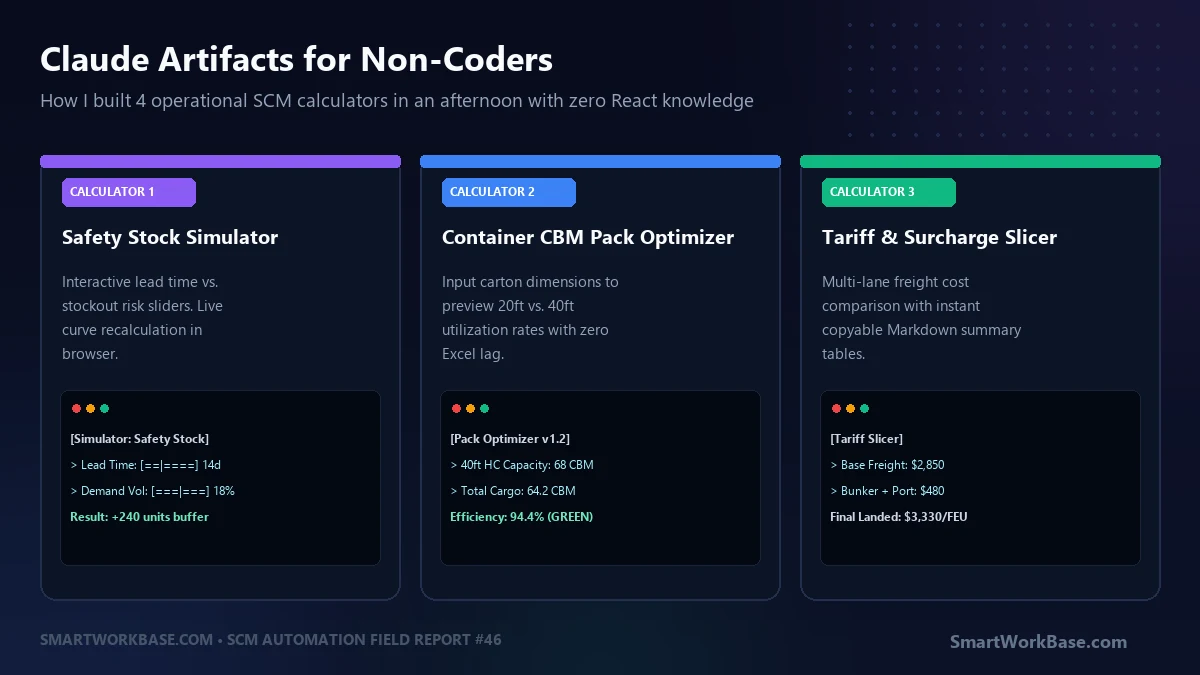
Building operational SCM calculators and interactive dashboards with Claude Artifacts without coding

TL;DR: Whenever our warehouse leads needed a quick safety stock calculation or a container pack estimate, they opened an Excel sheet with 14 tabs and broken macros. It was slow, ugly, and prone to overwritten formulas. Last Tuesday, I used Claude 3.5 Sonnet’s Artifacts feature to build four standalone interactive web calculators—with sliders, reactive graphs, … 더 읽기
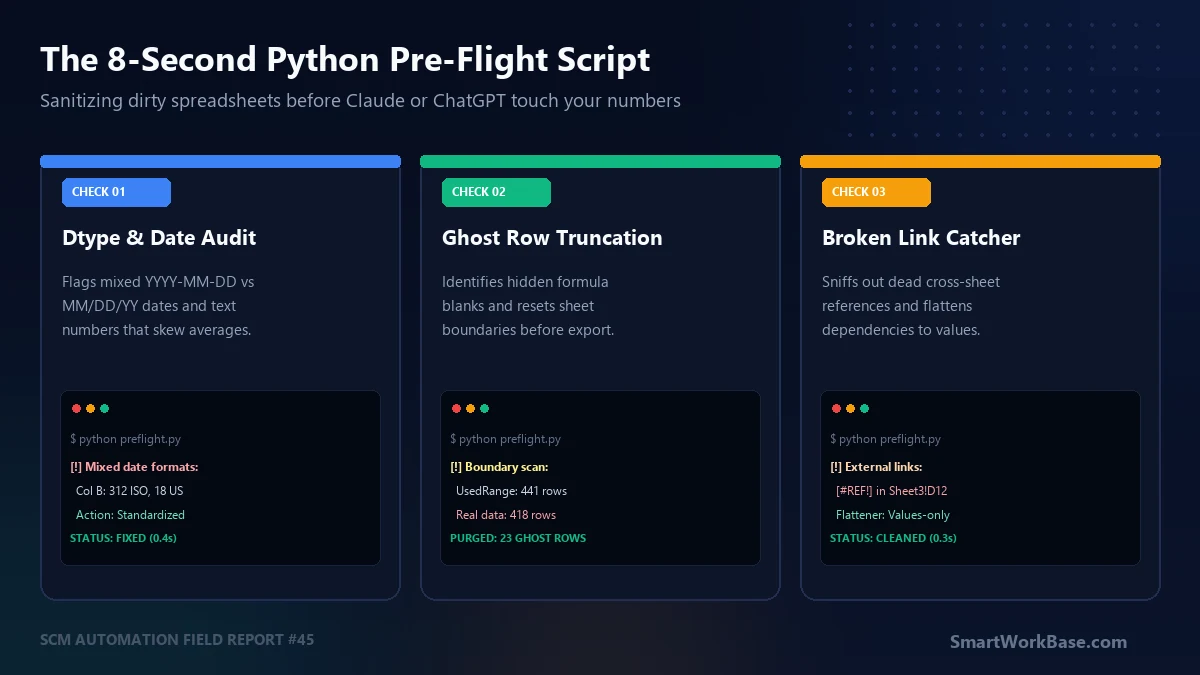
The 8-Second Python Script I Run Before Feeding Spreadsheets to AI

8-second Python script to sanitize and pre-flight spreadsheets before Claude and ChatGPT analysis

TL;DR: In my last post, I shared how dirty spreadsheets cause a 31% silent error rate when processed through Claude or ChatGPT. Doing the 7-step pre-flight checklist by hand takes 6 minutes per file. If you run multiple vendor sheets a day, that friction kills the habit. I wrote a standalone 90-line Python script that … 더 읽기

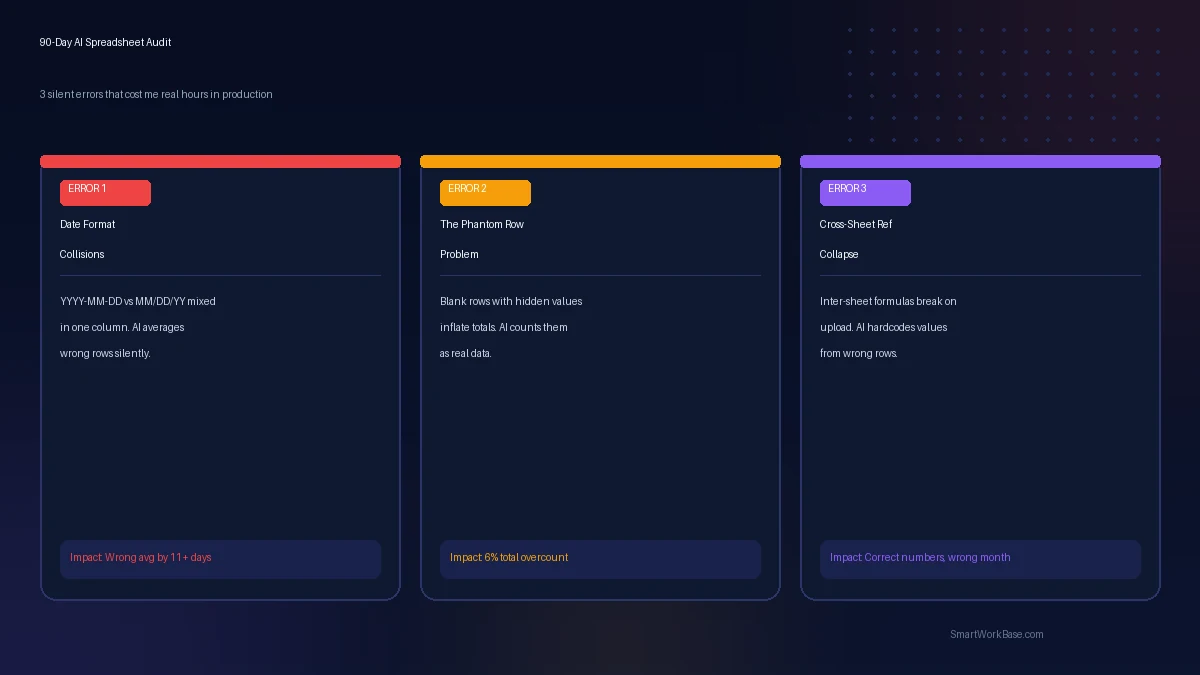
I Gave AI My Actual Spreadsheets for 90 Days. Here’s What It Got Wrong.

90-day audit of AI spreadsheet errors: date collisions, phantom rows, and broken cross-sheet references in production SCM work

TL;DR: After 90 days feeding real production spreadsheets to Claude and ChatGPT, I found 3 errors that kept recurring silently: date format collisions that skew averages, blank rows that inflate totals, and cross-sheet formula references that break the moment you upload a file to an AI session. None of them threw an error message. All … 더 읽기

Claude Projects vs Custom GPTs: Which One Actually Saves Time on Multi-Week Work?

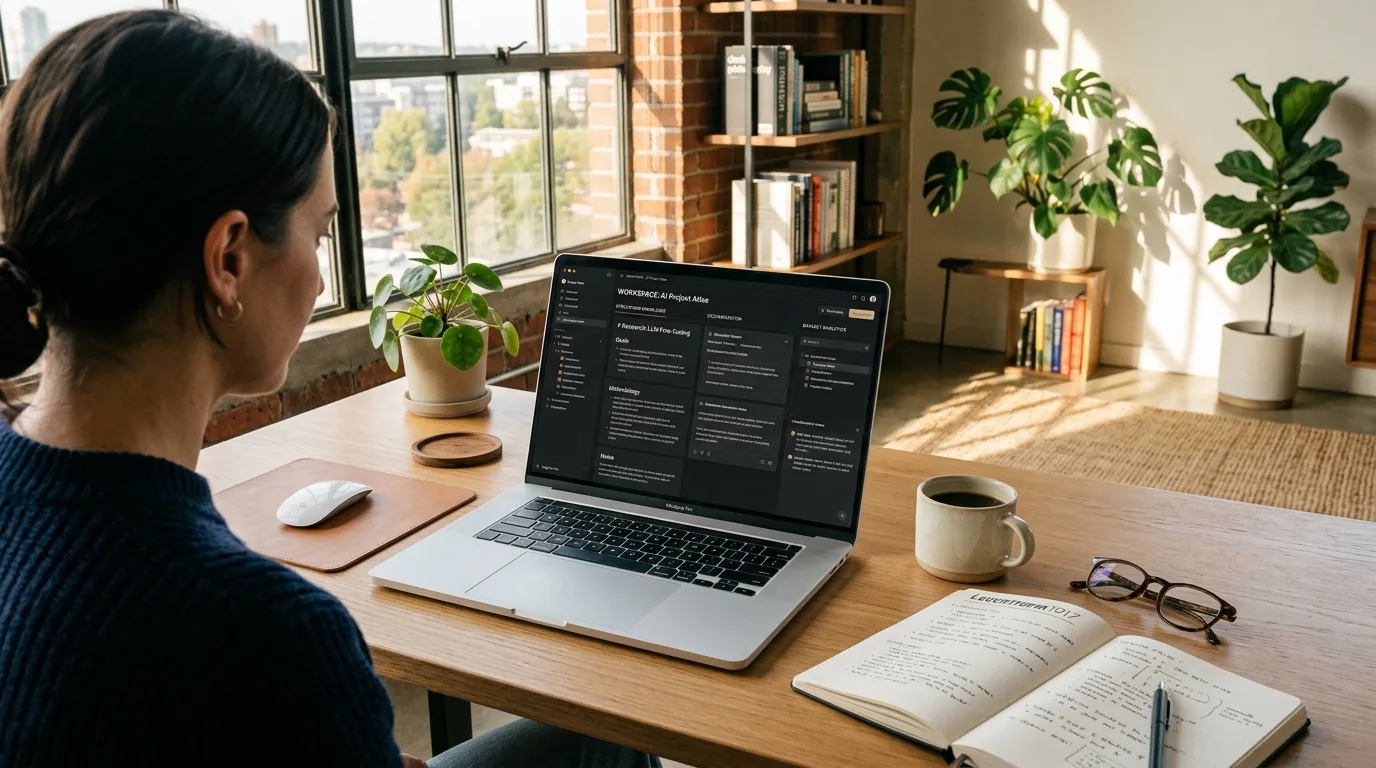
Modern editorial photography of a knowledge worker at a wooden desk comparing Claude Projects and Custom GPTs workspaces on a laptop

TL;DR: Single-chat AI threads die by Day 5 of any real project. They forget your negative constraints, truncate background PDFs, and force you to re-paste guidelines twenty times. Both Anthropic’s Claude Projects and OpenAI’s Custom GPTs claim to solve this with dedicated project workspaces. After running a multi-week supplier freight RFP and a warehouse SLA … 더 읽기

The AI Workflow Stress Test: How to Audit Your Daily Automations Before They Break in Production

Modern editorial illustration: sleek laptop showing AI workflow assistant diagram and automation performance charts

TL;DR: Building an AI automation is easy; keeping it from silently breaking three weeks later is where 80% of workflows hit a brick wall. When an automated workflow fails, it rarely throws a clear error message—it quietly drops rows, loops endlessly on expired credentials, or sends unreviewed hallucinations to your executive team. Before deploying any … 더 읽기

Aside on Windows: 4 Native Desktop Features That Make AI Web Automation Actually Delightful

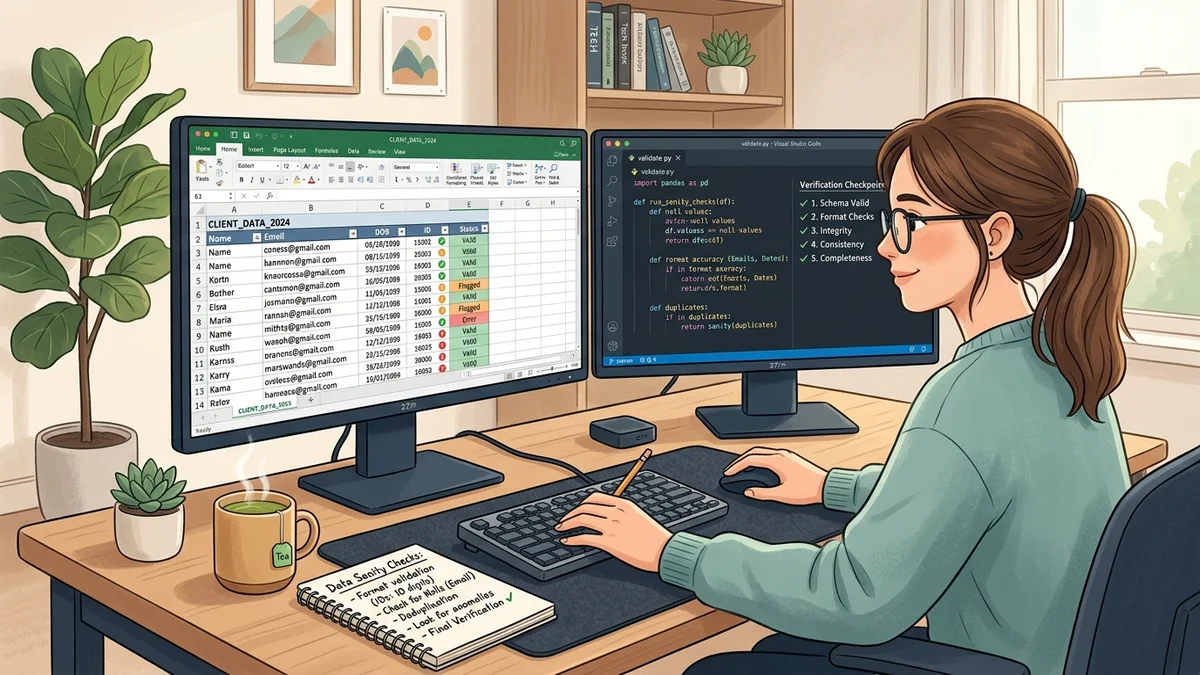
Modern editorial illustration: dual-monitor desk setup with spreadsheet data sanity and Python verification checkpoints

TL;DR: After weeks of dissecting automation risks and warning about edge-case failures, it’s time for some good news: Aside on Windows is genuinely fun to use. Unlike early web bots that hijacked your mouse or trapped you in clunky terminal windows, the Windows build feels like an organic extension of your dual-monitor setup. Between background … 더 읽기

The 3 AI Prompts I Actually Run Every Morning (And the 5 I Banned)

Modern editorial illustration: knowledge worker at wooden desk with morning coffee, reviewing AI morning briefing and task matrix on laptop

TL;DR: Most morning AI prompts are productivity theater. They don’t save time; they steal it. After two years of daily prompting experiments, I’ve permanently banned 90% of popular templates from my morning routine. Today, exactly three narrow prompts survive my 7:30 AM desk habit: a 90-second calendar buffer audit, an overnight unread email triage condenser, … 더 읽기

The Hidden Costs of Agentic Browsing: What Aside Got Right (And Where You Shouldn’t Trust It)

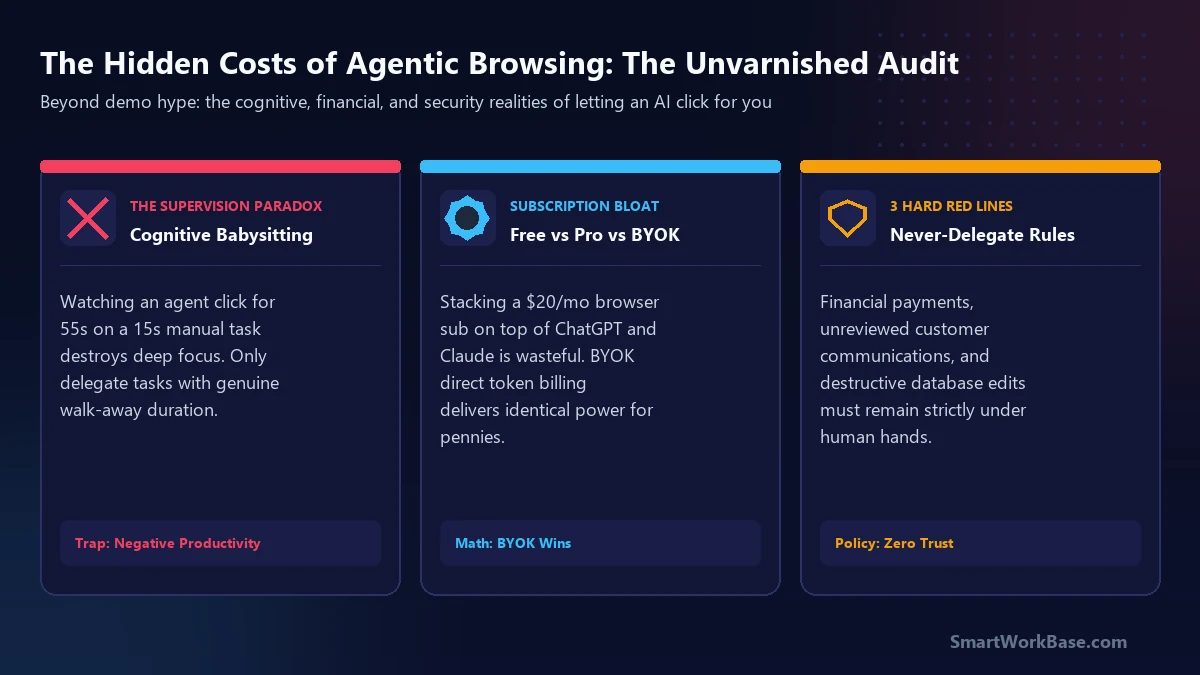
Hero card: evaluating the supervision paradox, subscription stacking, and enterprise safety red lines

TL;DR: Agentic AI browsers like Aside represent a legitimate leap beyond copy-paste chatbots, but the industry hype conceals three major operational traps: the Supervision Paradox, subscription stacking bloat, and severe compliance liabilities. If a web task takes under two minutes manually, watching an AI browser execute it step-by-step makes you slower, not faster. Furthermore, paying … 더 읽기

I Tested Aside on Windows for 5 Days: What Happened When I Let an AI Browser Run My Daily Portals

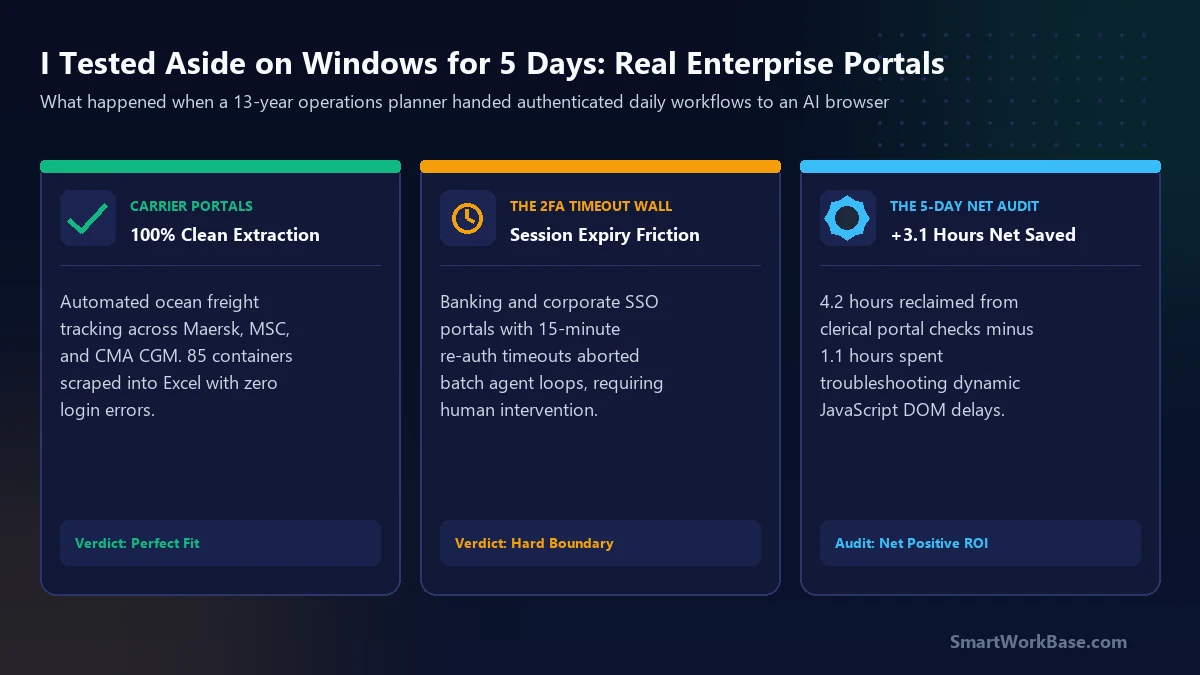
Hero card: 5-day field test of Aside AI browser across legacy enterprise portals and cloud ERP on Windows

TL;DR: Following our beginner guide on Aside’s $0 stack, I spent five full workdays testing Aside on a standard Windows enterprise desktop across our company’s messiest authenticated portals. Over 35 multi-step operational tasks, the agentic browser reclaimed 4.2 hours of mind-numbing data retrieval, but cost 1.1 hours in supervision and dynamic DOM troubleshooting — leaving … 더 읽기

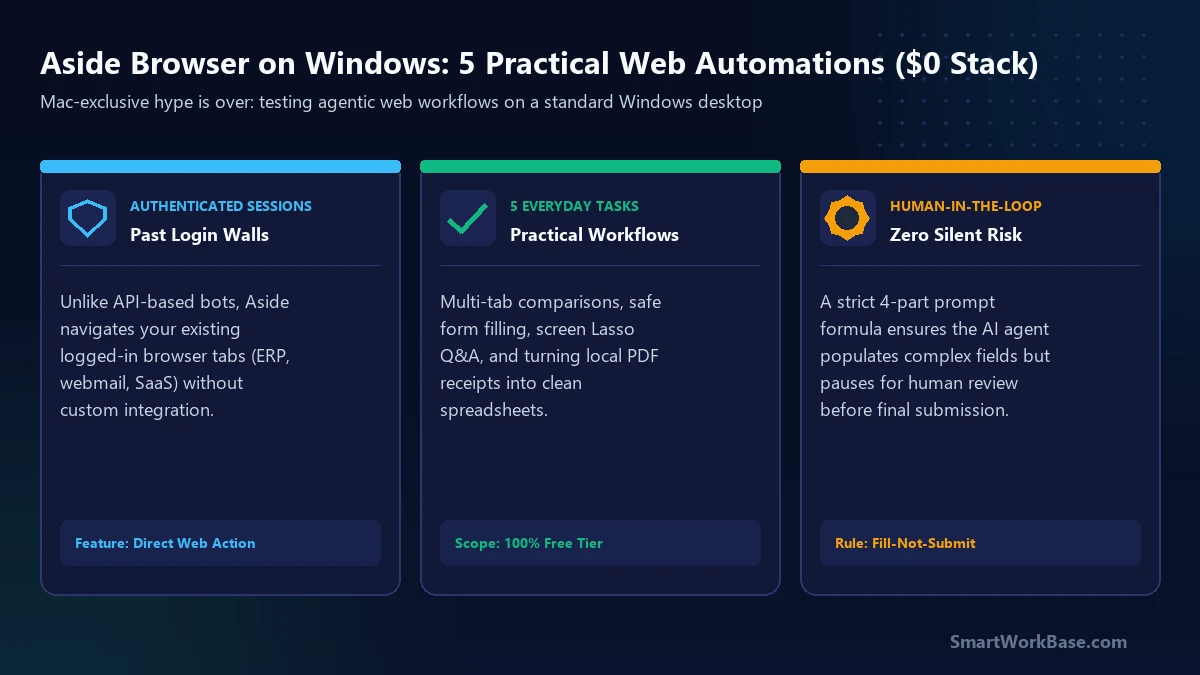
Aside Browser on Windows: 5 Practical Ways Everyday Users Can Automate Web Work ($0 Stack)

Hero card: Aside AI browser on Windows automating 5 everyday web tasks for $0

TL;DR: Agentic browsers have spent the last year trapped in Mac-exclusive demos. With Aside’s September 2026 Windows release, autonomous web automation has finally arrived on enterprise desktop PCs. Unlike traditional AI chatbots that stop cold at login screens or require fragile API webhooks, Aside navigates your authenticated tabs directly. On the $0 Free Tier (500 … 더 읽기